Headscale Series: Using MagicDNS in Headscale
· 2 min read
This post walks through enabling MagicDNS in headscale, plus practical usage of extra-records.json so clients can reach devices by hostname instead of memorizing raw IP addresses.
Original post: headscale系列:如何在headscale中使用MagicDNS
Scenario
- After login, clients can communicate with peers using hostnames in addition to IP.
- On Windows,
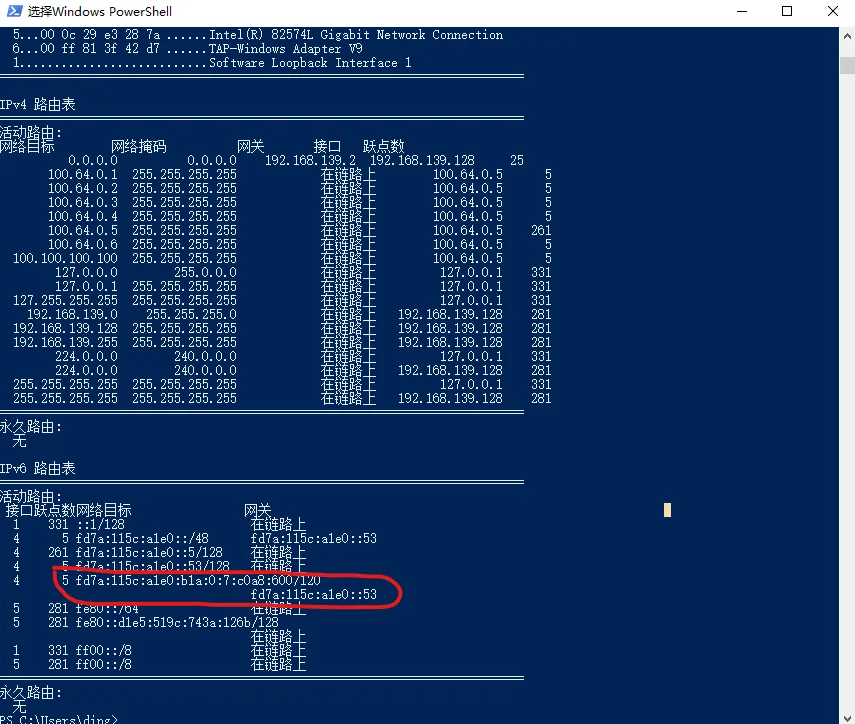
tailscalewrites host mappings into the systemhostsfile. - This is especially useful when using features like
4via6.
Enable MagicDNS
Update your config.yaml (core options shown below):
dns:
  magic_dns: true
  base_domain: example.com
  override_local_dns: false

  nameservers:
    global:
      - 1.1.1.1
      - 1.0.0.1

  search_domains: []
  extra_records_path: /var/lib/headscale/extra-records.json
Using extra_records_path makes DNS record updates easier to maintain.
extra-records.json Example
[
  {
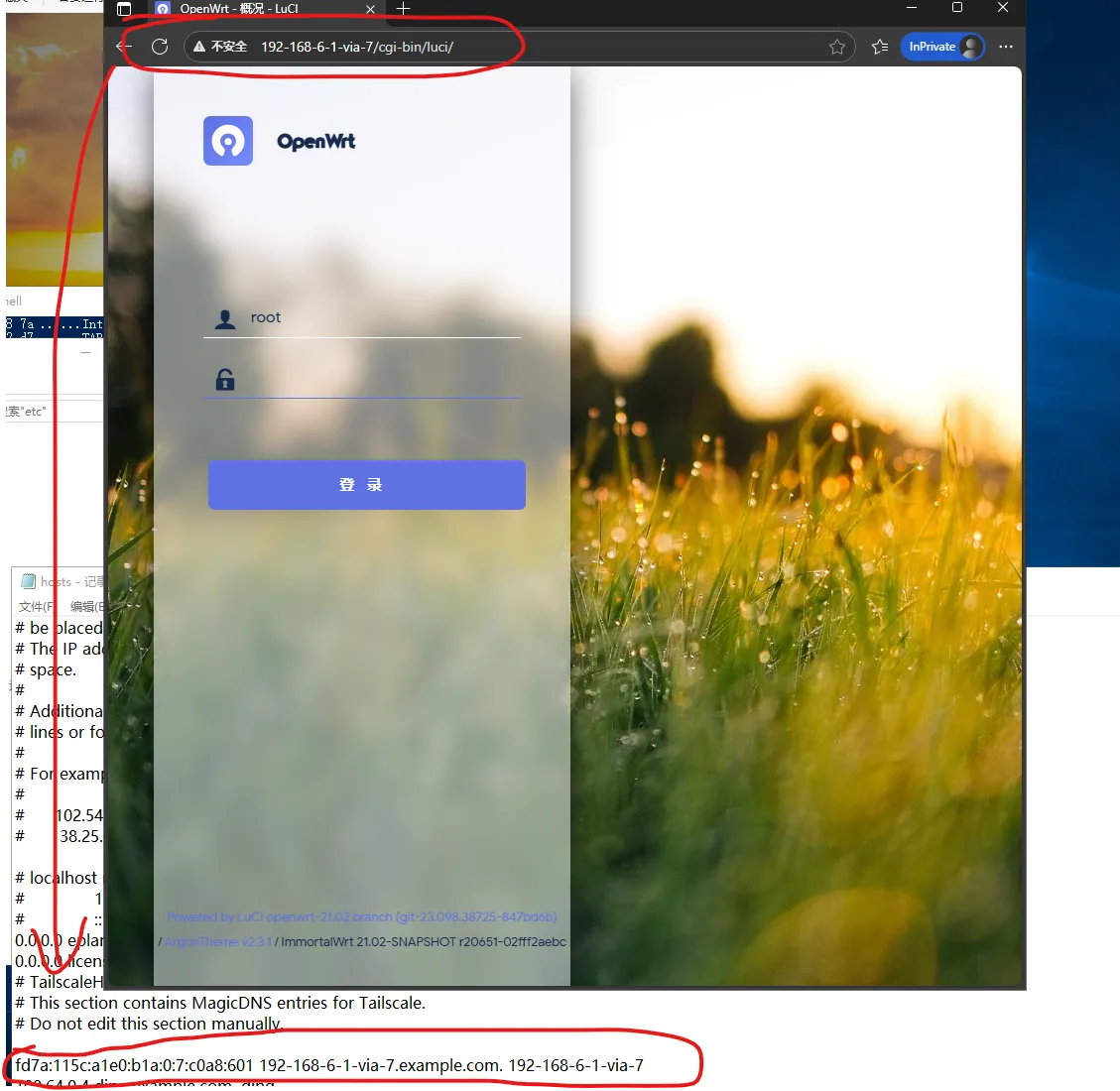
    "name": "192-168-6-1-via-7",
    "type": "AAAA",
    "value": "fd7a:115c:a1e0:b1a:0:7:c0a8:601"
  }
]
typesupportsA(IPv4) andAAAA(IPv6).- On first migration from inline
extra_recordsto file-based records, one restart is recommended. - After that, changing
extra-records.jsonis usually enough.
Usage
After clients come online, you can access target services by the custom DNS name.
This article is mirrored on the Larktun blog. For source updates and original context, refer to: headscale系列:如何在headscale中使用MagicDNS